Looking to modernize your document workflow before the year is out? In this article, we’ll explore 12 practical, end-of-year tips you can implement now, from simple cost-cutting ideas to strategic security compliance reminders, to prepare for a more efficient and profitable new year with scalable Xerox solutions.
The end of the year is a crucial time for businesses. It’s when budgets are finalized, last-minute equipment purchases are made, and systems are audited for security. Your printing environment, often seen as a fixed expense, holds significant potential for both savings and enhanced productivity.
As an authorized Xerox Partner specializing in managed print services in Orlando, we’ve compiled our 12 best tips to help you maximize your final quarter and start next year strong.
The First 4 Days: Cutting Hidden Costs and Eliminating Waste
The fastest way to save money is to address the wasteful habits that sneak into an unmanaged print environment.
Day 1: Audit Your Print Cost-Per-Page
Start by determining the true Cost-Per-Page (CPP) for every printer in your office. Include toner, maintenance, and utility costs. You may find that those inexpensive desktop inkjet printers actually cost 5x more to run than your robust Xerox Multifunction Printers (MFPs). Knowing this allows you to set intelligent print policies.
Day 2: Enforce Double-Sided (Duplex) and Black & White Defaults
Paper consumption is one of the highest variable printing costs. Change the default settings on all applicable MFPs to:
- Duplex Printing: Reduce paper usage by 50%.
- Black & White: Restrict color printing to necessary jobs only (color CPP can be up to 10x higher than B&W).
Day 3: Consolidate Underused Devices
Do you have several small, aging printers scattered around the office? Consolidate those low-volume tasks onto one or two efficient Xerox MFPs. This “right-sizing” strategy, which is standard in Managed Print Services Sarasota programs, reduces wasted supplies, energy consumption, and the time your IT team spends managing multiple machine models.
Day 4: Embrace Scan-to-Cloud Workflows
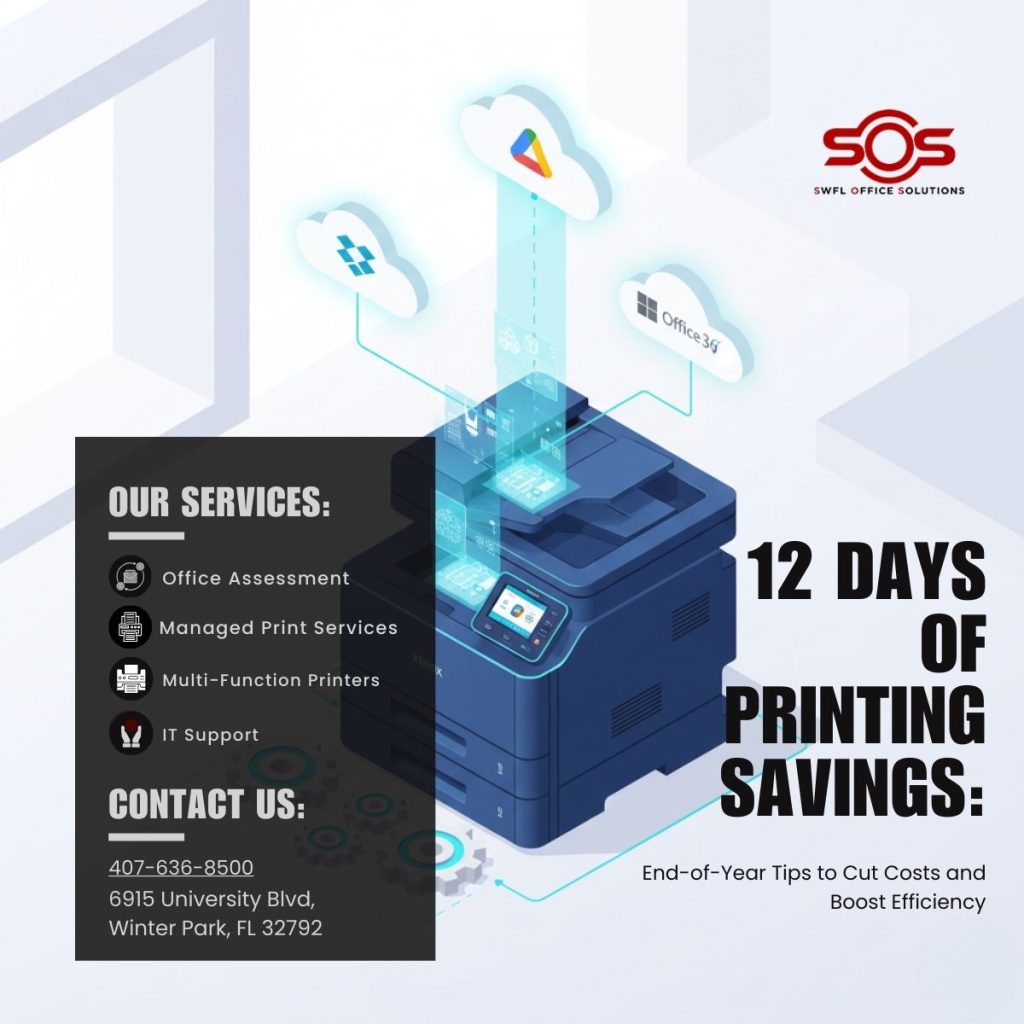
Eliminate printing altogether where possible. Utilize the advanced scanning features of your Xerox ConnectKey-enabled MFPs to route documents directly to cloud repositories (like Dropbox, Office 365, or Google Drive) with one touch, improving efficiency and saving paper.
Days 5 Through 8: Boosting Security and IT Efficiency
Your printers are powerful, network-connected computers. Ensure they are protected to prevent them from becoming an entry point for a cyber-attack.
Day 5: Update All Printer Firmware
Outdated firmware leaves your devices vulnerable to exploitation. Ensure every network-connected printer has the latest security patches installed. This is a critical task often managed automatically through our MPS programs, freeing up your internal team to focus on core network infrastructure.
Read more about our IT-Integrated Solutions for support.
Day 6: Implement Secure Print Release
Enable Xerox’s Secure Print feature fleet-wide. This ensures documents are held in the queue until the authorized user is physically at the device and authenticates with a PIN or keycard. This simple step prevents confidential documents from being left unattended on the output tray.
Day 7: Utilize Print Management Software
Software tools like Xerox Workplace Suite give you centralized control over your entire fleet. They help you:
- Track usage by user or department.
- Allocate costs accurately.
- Set print rules automatically (e.g., block large print jobs during peak hours).
Day 8: Securely Wipe Decommissioned Devices
If you are replacing or disposing of older printers, ensure the hard drives are securely wiped of all stored data using a Department of Defense (DoD) approved standard. Failing to do this can lead to a severe security breach. As part of our service, we ensure all decommissioned equipment is handled with the highest level of security.
Days 9 Through 12: Smart End-of-Year Purchasing Strategy
Use the final weeks of the year to make strategic decisions that impact your budget and productivity for the next 12 months.
Day 9: Review Your Current Service Agreement
Are you still paying for multiple vendors for supplies, repairs, and support? Review your current contracts and look for opportunities to consolidate. A comprehensive managed print services Orlando program centralizes everything under one predictable cost-per-page, dramatically simplifying your administrative and accounting workload.
Day 10: Use Remaining EOY Budget for a Strategic Upgrade
If you have capital budget remaining, use it to replace that one unreliable, inefficient machine. Investing in a modern Xerox Altalink or VersaLink MFP at year-end ensures you start the new year with optimized equipment that will boost workflow and save money in the long run.
Day 11: Demand the Total Satisfaction Guarantee
When choosing a new device or a partner, demand total peace of mind. As a certified Xerox partner, every piece of equipment we provide is backed by the Xerox Total Satisfaction Guarantee. This is Xerox’s promise to replace the equipment if you are not satisfied, a commitment that underscores our trust in the reliability of our solutions.
Day 12: Partner with a Local Xerox Expert
The single most effective way to implement all 11 previous tips is to partner with Southwest Florida Office Solutions. We combine the innovation and technology of Xerox with the hands-on, local support your business needs. Don’t face the challenges of next year alone; rely on our expert technicians and consultants to manage your entire document ecosystem.
Ready to take control of your costs and boost efficiency?
Contact SOS today for a free print environment assessment and discover how our Xerox solutions can secure and streamline your office.