Managed Print Services
Managed Print Services for Law Offices in Naples, FL
- Xerox® Diamond Signature Partner
- Master Managed Print Services
- Authorized Xerox® Service Provider
- Veteran-owned
- Read our Google reviews
Why Legal Practices Cannot Afford to Treat Printing as an Afterthought
Managed print services for law offices in Naples give legal practices fast, reliable document output, secure print release, and factory-trained onsite service, without the device downtime or unsecured output trays that create confidentiality exposure in a busy litigation environment. SWFL Office Solutions is Naples and Collier County's authorized Xerox Diamond Signature Partner, and we configure and support Xerox devices for legal offices with the security controls, production output capability, and priority service response that a Naples law firm's workload actually demands. Every engagement starts with a free office print assessment before any hardware recommendation is made.
Device Downtime Costs More Than the Repair Bill
A law firm operates under deadlines that do not move. Court filing deadlines, discovery response windows, closing document packages, and client deliverables all depend on reliable document output. When a copier goes down in a Naples legal office, the cost is not the service call; it is the staff hours lost to workarounds, the risk of a missed deadline, and the reputational exposure of a practice that cannot produce what it needs when it needs it.
Most Naples law offices managing their print environment reactively, placing service calls after a device fails, experience two to four unplanned outages per year on aging equipment without a service contract. Each one is avoidable.
SWFL Office Solutions provides priority onsite response for contracted managed print clients through our Naples-based technician team. Remote device monitoring identifies issues before they cause failures, and scheduled maintenance is completed proactively rather than reactively. For a legal practice that cannot absorb unplanned downtime, that is the structural difference between a managed print program and break-fix service. If a device is already failing, our office printer repair service is available as well.
Unsecured Output Trays Are a Confidentiality Risk
Attorney-client privilege and the Florida Bar's Rules of Professional Conduct require law firms to take reasonable measures to protect confidential client information. In most Naples legal offices, the multifunction printer is the single device most frequently left unattended with sensitive documents in the output tray.
A document containing client strategy, settlement figures, or privileged communications sitting in an open output tray is not a theoretical risk. It is a daily occurrence in practices without secure print release configured on their devices.
Secure print release requires the authorized user to authenticate at the device with a PIN, badge, or network credentials before any document is released to the output tray. A document sent to print by an attorney or paralegal stays in a secure print queue until they walk to the device and release it. Nothing prints until the right person is standing at the machine.
This is not a premium feature or an add-on. It is a standard configuration on every Xerox device SWFL Office Solutions deploys for legal office clients in Naples.
Security Configurations Standard on Every Legal Office Deployment
When SWFL Office Solutions deploys a Xerox device for a Naples law firm, the following security controls are configured as standard, not as optional additions:
Secure Print Release
All print jobs are held in a secure queue until the sending user authenticates at the device. No document reaches the output tray without the authorized person present to receive it.
Role-Based Access Controls
Device functions, printing, copying, scanning, faxing, and address book access can be restricted by user role. A paralegal's access level can differ from a partner's. Front desk staff can be restricted from scanning to external destinations.
Audit Log
Every interaction with the device is recorded: who used it, what function, when, and the outcome. For a legal practice that needs documentation of document handling, discovery productions, client file transfers, or internal access controls, the Audit Log provides that record.
Network Encryption
Data transmitted between workstations and the Xerox device is protected by TLS/SSL encryption. IP filtering limits network access to approved addresses only, reducing the device's attack surface within the firm's network environment.
Hard Drive Encryption and Image Overwrite
All data stored on the device's internal hard drive is encrypted. Xerox Image Overwrite automatically eliminates residual data from the hard drive after every job, print, copy, scan, and fax, so cached documents cannot be recovered from a device that is serviced, returned at the end of the lease, or retired.
To see how these controls work across the full Xerox lineup, review our comprehensive Xerox device security overview.
Production Printing for High-Volume Legal Document Output
Naples law firms handling litigation, real estate transactions, corporate matters, or high-volume discovery productions regularly generate document packages that standard office multifunction devices are not built to handle reliably. A standard office copier pushed into production workloads, large discovery sets, closing document packages, trial binders, wears faster, fails more often, and costs more per page than a device sized for that output volume.
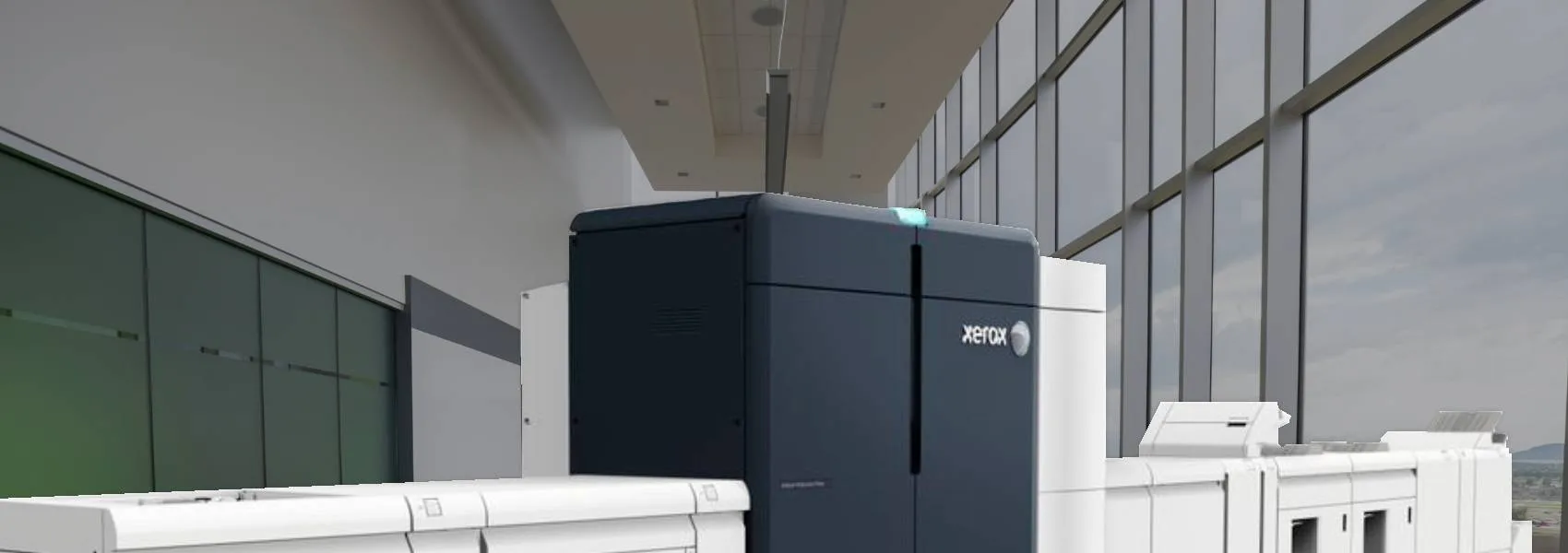
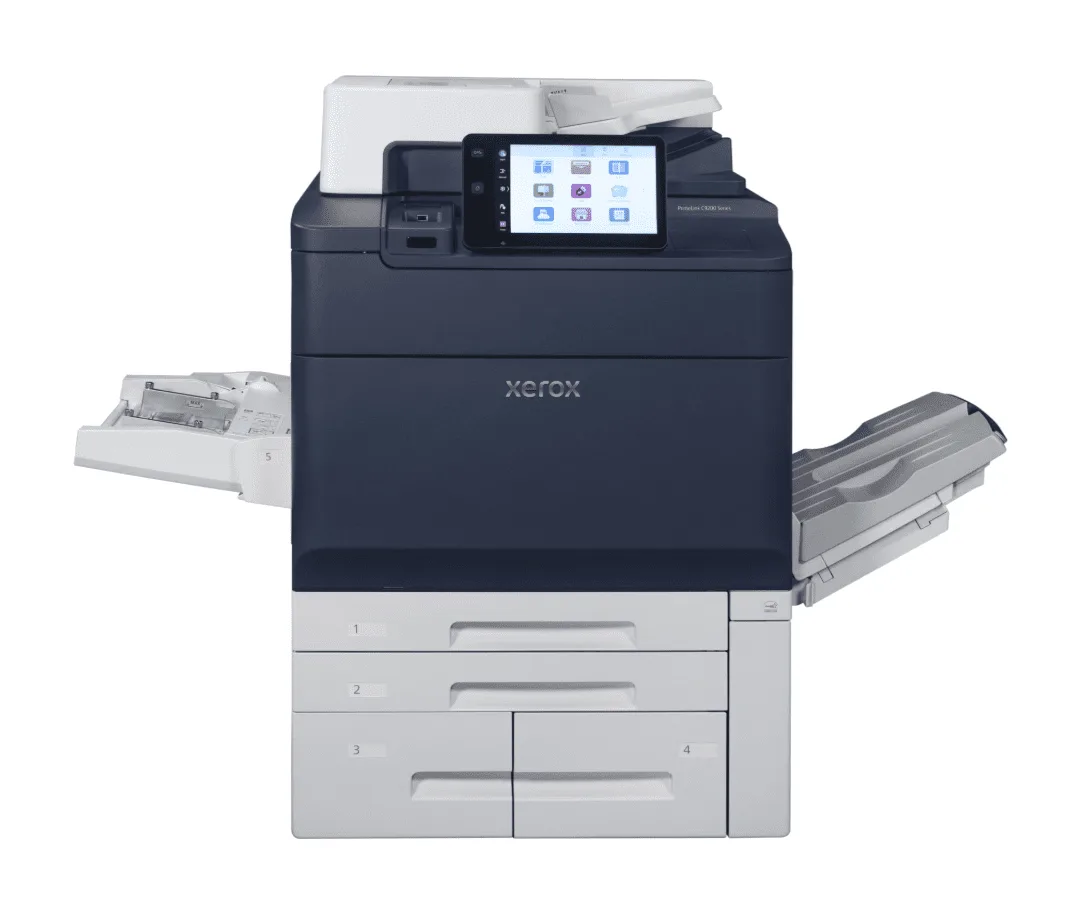
Xerox production printing options are available through SWFL Office Solutions for legal practices whose document output demands exceed what a standard multifunction device can sustain efficiently. A production device handles high-volume legal output with the speed, consistency, and finishing capability a busy practice requires, at a cost per page that is typically significantly lower than outsourcing those jobs to a commercial print vendor.
The free office print assessment includes a cost comparison for firms evaluating whether a production printer lease makes financial sense against their current device wear pattern or outsourced print spend.
Copier Leasing for Naples Law Offices
Leasing a Xerox device through SWFL Office Solutions as an authorized Xerox Diamond Signature Partner includes the hardware, all supplies, proactive maintenance, and priority onsite service in a single monthly cost-per-copy rate. For a Naples law firm, that structure eliminates the capital commitment of an outright purchase, converts unpredictable supply and repair costs into a single budgetable monthly figure, and ensures the device is always under a service contract with a local, factory-trained technician team.
Lease terms are available in 36- and 60-month structures. Every placed device is backed by the Xerox Total Satisfaction Guarantee; if the equipment does not perform to expectations within the guarantee period, it will be replaced at no charge.
Before and After: A Naples Law Firm Without and With Managed Print
Service Coverage for Naples and Collier County Legal Offices
SWFL Office Solutions serves law firms and legal practices across Naples, North Naples, Bonita Springs, Marco Island, and the broader Collier County area. Our Naples-based technicians provide onsite response with no national routing queue; when you contact us, you reach the local team directly. You can also review our Naples office details.
For a full overview of the industries we serve across Naples and Collier County, including healthcare, nonprofits, churches, and schools, visit our Industries We Serve hub.
Programs built for how you print
Equipment law offices often start with
Frequently Asked Questions
Every Xerox device deployed by SWFL Office Solutions for a legal office client includes secure print release, role-based access controls, Audit Log, network encryption, hard drive encryption, and Xerox Image Overwrite configured as standard. Secure print release holds all documents in a secure queue until the authorized user authenticates at the device, eliminating the confidentiality exposure of sensitive client documents sitting unattended in an output tray.
Contracted managed print clients receive proactive maintenance through remote device monitoring that identifies issues before they cause failures, and priority onsite response from SWFL Office Solutions' Naples-based factory-trained technicians when service is needed. For a legal practice operating under court deadlines and client deliverable windows, proactive maintenance is the structural difference between an unplanned outage and a scheduled service visit.
Yes. For Naples law firms with consistent high-volume output demands, discovery packages, trial binders, and closing document sets, production printing options are available that handle that workload at a lower cost per page than standard office multifunction devices or outsourced commercial printing. The free office print assessment includes a cost comparison for firms evaluating this option.
A copier lease through SWFL Office Solutions as an authorized Xerox Diamond Signature Partner includes the device, all toner and supplies delivered automatically, proactive maintenance, priority onsite service, and a single monthly cost-per-copy invoice covering everything. Every placed device is backed by the Xerox Total Satisfaction Guarantee. Lease terms are available in 36- and 60-month structures matched to your firm's size and output requirements.
Yes. We serve legal practices across Collier County, including Bonita Springs, Estero, and Marco Island, as well as Fort Myers and Sarasota. Contact our Naples office to confirm coverage and response time for your specific location.